BrowserDrop
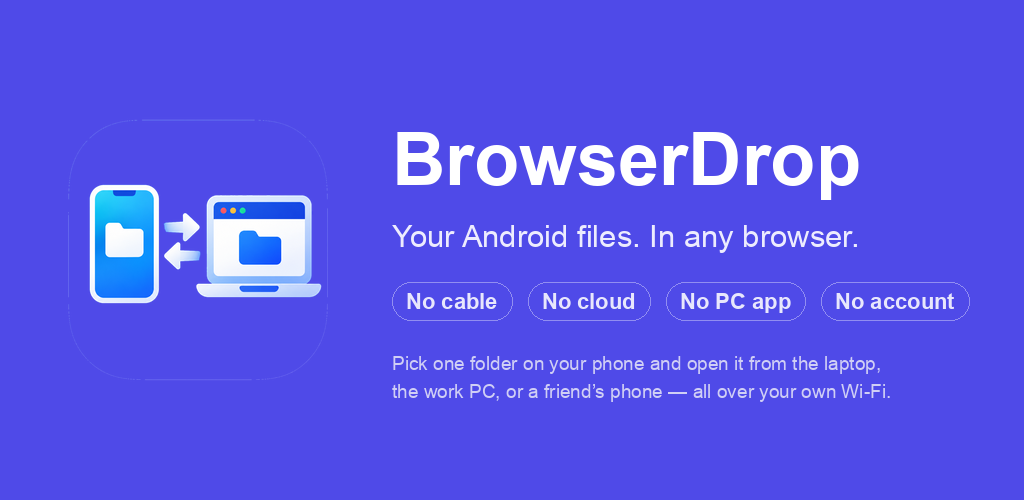
Your Android files, in any browser. Pick a folder on your phone, open a link on your computer — browse, download, upload over your local Wi-Fi. No cloud, no account, no PC client. Now live on Google Play.
Android · No account needed · Ad-supported, one-tap ad removal
Move Files Between Phone and Computer Without a Middleman
Every file-transfer tool I tried had the same problem: a middleman. Chat apps re-compress your photos and cap file size. Cloud drives upload to a server you don't control — then the "fast" download crawls at 1 MB/s behind a bandwidth paywall. Dedicated apps need a client installed on both ends.
None of that is necessary. Your phone and your computer are already on the same Wi-Fi, talking to each other all the time. BrowserDrop just exposes the file channel directly: your phone becomes the server, your browser becomes the client.
How It Works
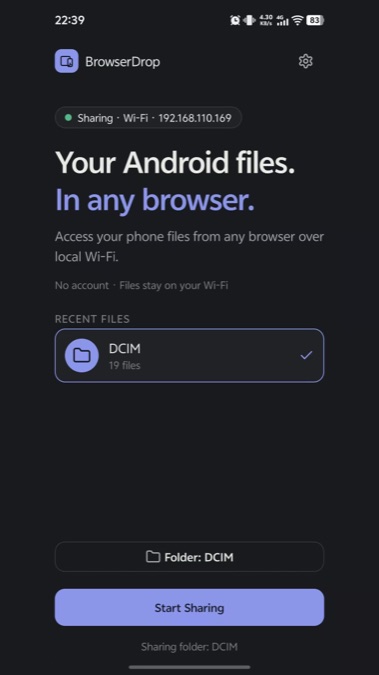
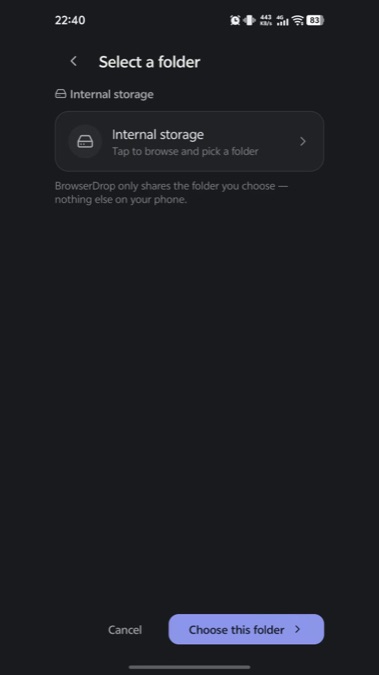
- Open BrowserDrop on your Android phone, pick one folder to share (SAF picker — the app never asks for all-storage permission).
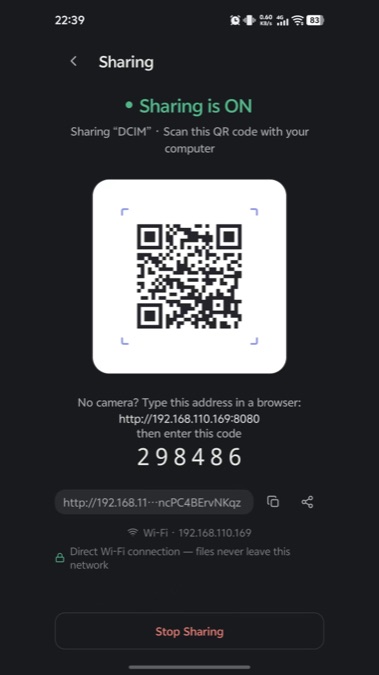
- Tap Start Sharing. A QR code and a 6-digit pairing code appear.
- On your computer, open the shown
http://192.168.x.x:8080address in any browser and enter the code. That's it.
The web workspace shows the folder tree, previews photos and videos inline, downloads single files or entire directories as ZIP, and accepts uploads back to the phone. It works from laptops, desktops, even a second phone's browser — anything with Wi-Fi and a browser, including locked-down machines where you can't install software.
Everything happens over plain local HTTP inside your network. Files never touch a server owned by me or anyone else. There is no account, no sign-in, and the app's only network permission is talking to devices on your own LAN.
| Traditional way | BrowserDrop |
|---|---|
| Upload to cloud → wait → download | Direct LAN transfer at Wi-Fi speed |
| Re-compresses photos | Bytes arrive untouched |
| Account + app on both devices | One app, browser on the other end |
| Transfer history kept on servers | Stop sharing and the server is simply gone |
The Details That Matter
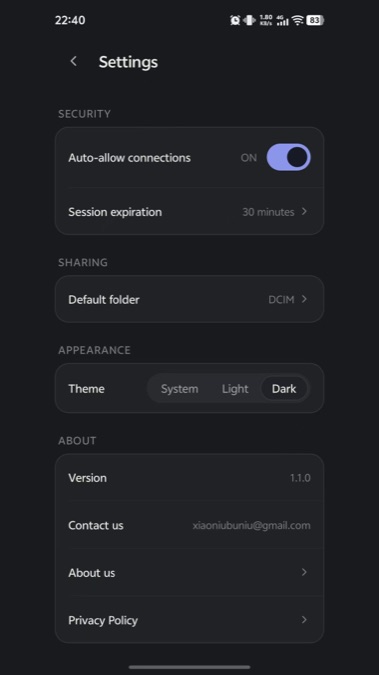
Approval, not open access. A pairing code that expires with the session, an optional approve-each-connection gate, and session expiry. Anyone who closes the sharing page has closed the door — there is no port left forwarded, no background sync reaching out anywhere.
One folder, exactly one. BrowserDrop shares only what you picked through Android's Storage Access Framework. It cannot see the rest of your storage even if asked.
Works while the phone sleeps. A foreground service keeps the server alive with a persistent notification and a one-tap Stop — so you can close the lid of your laptop... and your phone's screen, without the transfer dying.
Now on Google Play
BrowserDrop has left beta and is live on Google Play (Android 7.0+) — no opt-in, no test group, just install:
play.google.com/store/apps/details?id=com.xiaoniubuniu.browserdrop
The public release (1.2.0) carries Google AdMob ads plus a one-time Remove Ads purchase: ads use only your device's resettable advertising ID, your shared files are never involved, and the privacy policy spells all of this out. Beyond the ads, it is the same app the beta testers ran — no account, no cloud, nothing leaving your Wi-Fi.
Thanks to the testers who stress-ran it against aggressive OEM battery killers and flaky home networks; that beta shook out more real-world bugs than any emulator session ever could.
Product site with full documentation: browserdrop.xiaoniubuniu.com
What's Next
Post-release work is driven by user feedback — multi-folder sharing and faster bulk downloads are the two most requested items so far. I'll update this page as they ship.
You Might Also Like
BrowserDrop
Your Android files, in any browser. Pick a folder on your phone, open a link on your computer — browse, download, upload over your local Wi-Fi. No cloud, no account, no PC client. Now live on Google Play.
Get it on Google Play