
PixTally
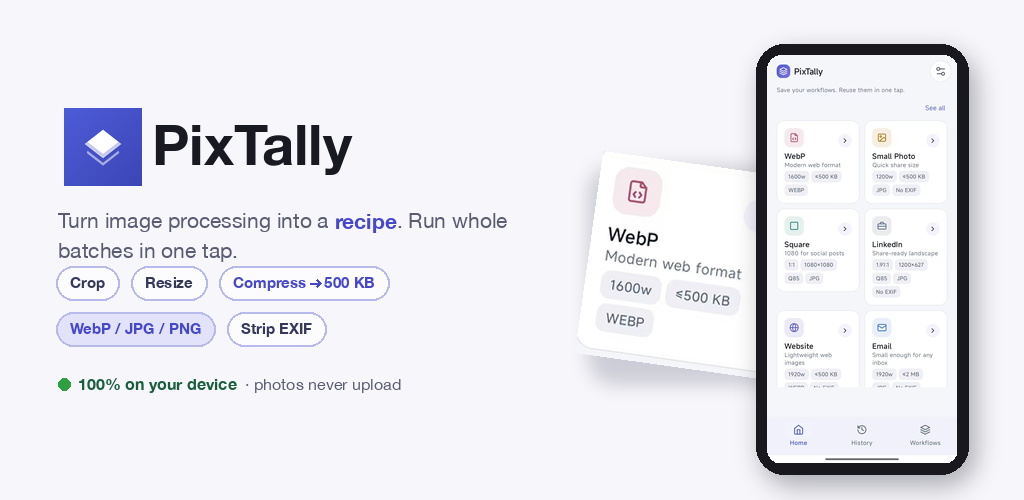
PixTally is an offline batch image processor for Android. Chain crop, resize, compress, WebP/JPG/PNG conversion and EXIF removal into one saved recipe, then run a whole batch in a single tap. No uploads, no account. Now live on Google Play.
Android 8.0+ · Free with ads · $4.99 one-time Pro · No account, no uploads
One Recipe, the Whole Folder
Resizing a photo is trivial. Resizing sixty of them the same way — every blog post, every job application, every photo dump — is where desktop tools die and web tools do something worse: they upload your photos to someone's server first.
PixTally inverts both problems. You describe what you want done once — crop → resize → compress → convert → strip EXIF, in any order, with your own targets — save that chain as a recipe (we call them workflows), and point it at a whole batch. Sixty photos come out the other side in one tap. The whole pipeline runs on your phone's CPU. Not a single photo ever leaves the device.
How It Works
- Pick a workflow — one of six built-in recipes, or build your own in the editor.
- Select photos. PixTally uses Android's system photo picker: no storage permission, no all-files access.
- Preview the plan. Before anything is written, you see each image's exact output size and format.
- Tap Convert. Results land in PixTally's own subfolder under
Pictures/, with clean sequential names. Originals are never modified or deleted. Every run is logged in History and can be replayed over a new batch instantly.
The Five Step Types
| Step | What it does | Typical use |
|---|---|---|
| Crop | Aspect or free-form crop | 1:1 for Instagram, 1.91:1 for LinkedIn |
| Resize | Width/height caps, exact pixels, or aspect presets | keep under 1600px wide |
| Compress | Quality target, or a hard size cap (≤500 KB, ≤2 MB…) | email-attachable photos |
| Format | Convert to JPG, PNG or WebP | site images as WebP; HEIC sources to JPG on Android 9+ |
| Metadata | Strip or keep EXIF | remove GPS before posting |
Steps chain in any order and any number of times. Save the chain, name it, reuse it forever.
Six Built-in Recipes
| Recipe | Parameters | Built for |
|---|---|---|
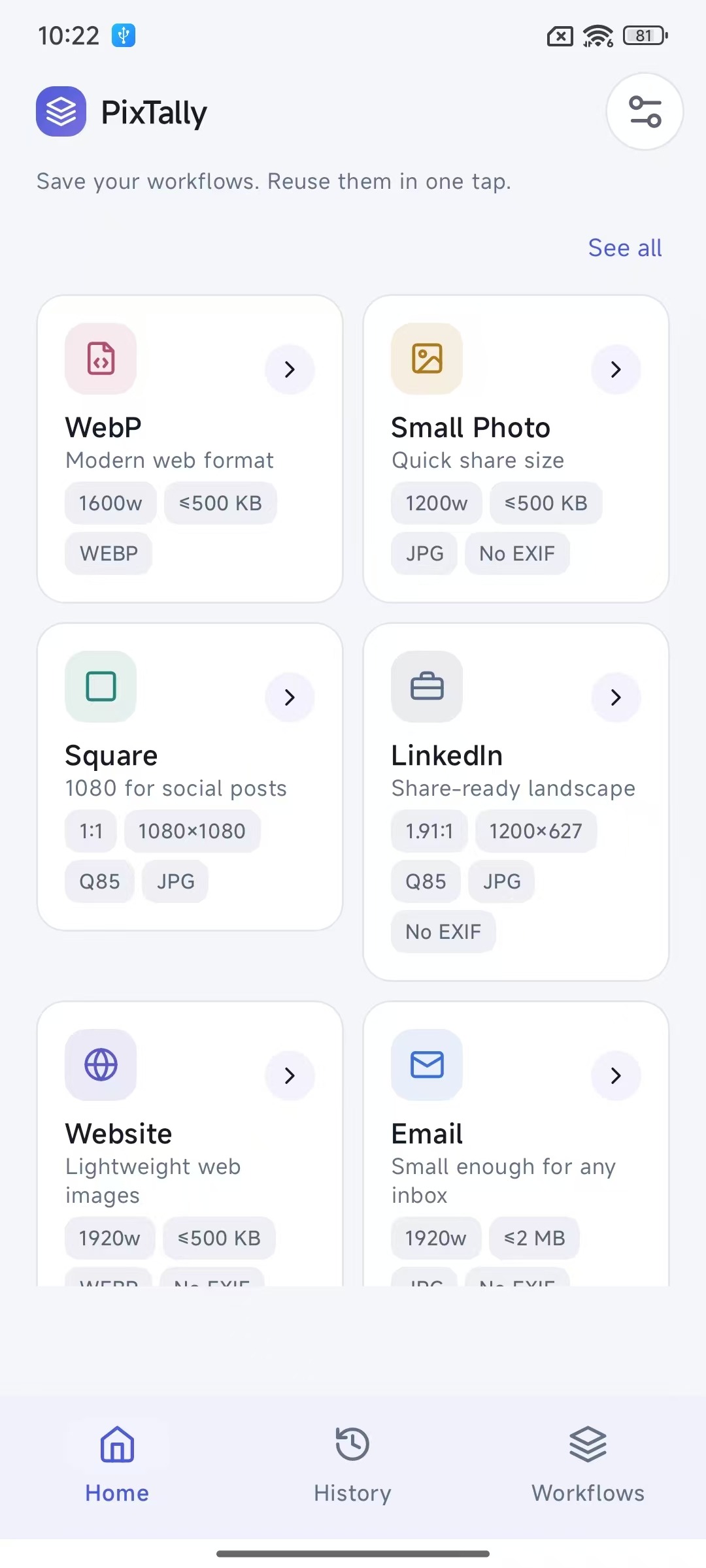
| WebP | 1600w cap · ≤500 KB · WebP | web images |
| Small Photo | 1200w · ≤500 KB · JPG · no EXIF | quick sharing |
| Square | 1:1 · 1080×1080 · Q85 · JPG | Instagram feed |
| 1.91:1 · 1200×627 · Q85 · JPG · no EXIF | link posts | |
| Website | 1920w · ≤500 KB · WebP · no EXIF | hero/blog images |
| 1920w · ≤2 MB · JPG · no EXIF | inbox-safe attachments |
Nothing Leaves Your Phone
This is the design constraint everything else obeys: image decoding, scaling, re-encoding and EXIF rewriting are all computed locally with Android's own graphics stack. There is no upload endpoint in the app — not for "premium processing," not "temporarily." Pick photos, process, save; it works in airplane mode.
The free build shows Google AdMob ads and sends anonymous usage/crash stats (Firebase). Neither sees your photos — the ad SDK only ever sees its own ID. Full details in the privacy policy.
Free, and a $4.99 One-time Pro
Free covers the core loop with two rails: up to 3 saved recipes, batches up to 20 images, ads on. Pro ($4.99 once, via Google Play) lifts both limits — unlimited recipes, unlimited batch size — and removes ads. No subscription.
Now on Google Play
PixTally 1.4.0 is live on Google Play (Android 8.0+) — install, open, pick a recipe:
play.google.com/store/apps/details?id=com.xiaoniubuniu.imagerecipe
One bit of history: the app shipped its early versions under the name ImageRecipe; 1.4.0 is the first release branded PixTally. The package name stays as it is, so existing installs update in place — saved workflows, history and settings carry over untouched.
Product site: pixtally.xiaoniubuniu.com · Related posts: launch story · batch WebP conversion · compress to a size target · image size cheat sheet
FAQ
Is PixTally free?
Yes. Free with ads, 3 saved recipes and 20-image batches. A one-time $4.99 Pro unlock removes ads and lifts both caps. No subscription.
Do my photos get uploaded anywhere?
No. There is no upload path in the app at all — all processing runs on-device, and it works offline. Ads (AdMob) and anonymous crash/usage stats (Firebase) are the only network traffic, and neither touches your image content.
Are the original photos modified?
Never. Output goes to PixTally's own subfolder under Pictures/ with new filenames. (An opt-in "overwrite originals" mode exists in Settings for people who explicitly want it — off by default.)
Can it convert HEIC photos?
On Android 9+, yes — HEIC is a system-readable format there, so PixTally can pick and convert it (typically to JPG/WebP). On Android 8.x the system can't decode HEIC, so those files can't be read.
Does it work without internet?
Completely. The only parts that need a connection are loading ads and sending anonymous stats.
You Might Also Like

WebMedia: Video Downloader
Android app that sniffs hidden videos, audio, images and files out of any web page — an m3u8/HLS downloader with AES-128 decryption, resume and batch save. No cloud, no account.

BrowserDrop
Your Android files, in any browser. Pick a folder on your phone, open a link on your computer — browse, download, upload over your local Wi-Fi. No cloud, no account, no PC client. Now live on Google Play.

ActionSense
What you copy, instantly actionable. Copy a URL → open it. Copy a color → preview it. Copy math → calculate it. All at your cursor, no window needed. Native, local, open source.
PixTally
PixTally is an offline batch image processor for Android. Chain crop, resize, compress, WebP/JPG/PNG conversion and EXIF removal into one saved recipe, then run a whole batch in a single tap. No uploads, no account. Now live on Google Play.
Get it on Google Play