Launching WebMedia Scanner: A Media Sniffer That Says No to DRM
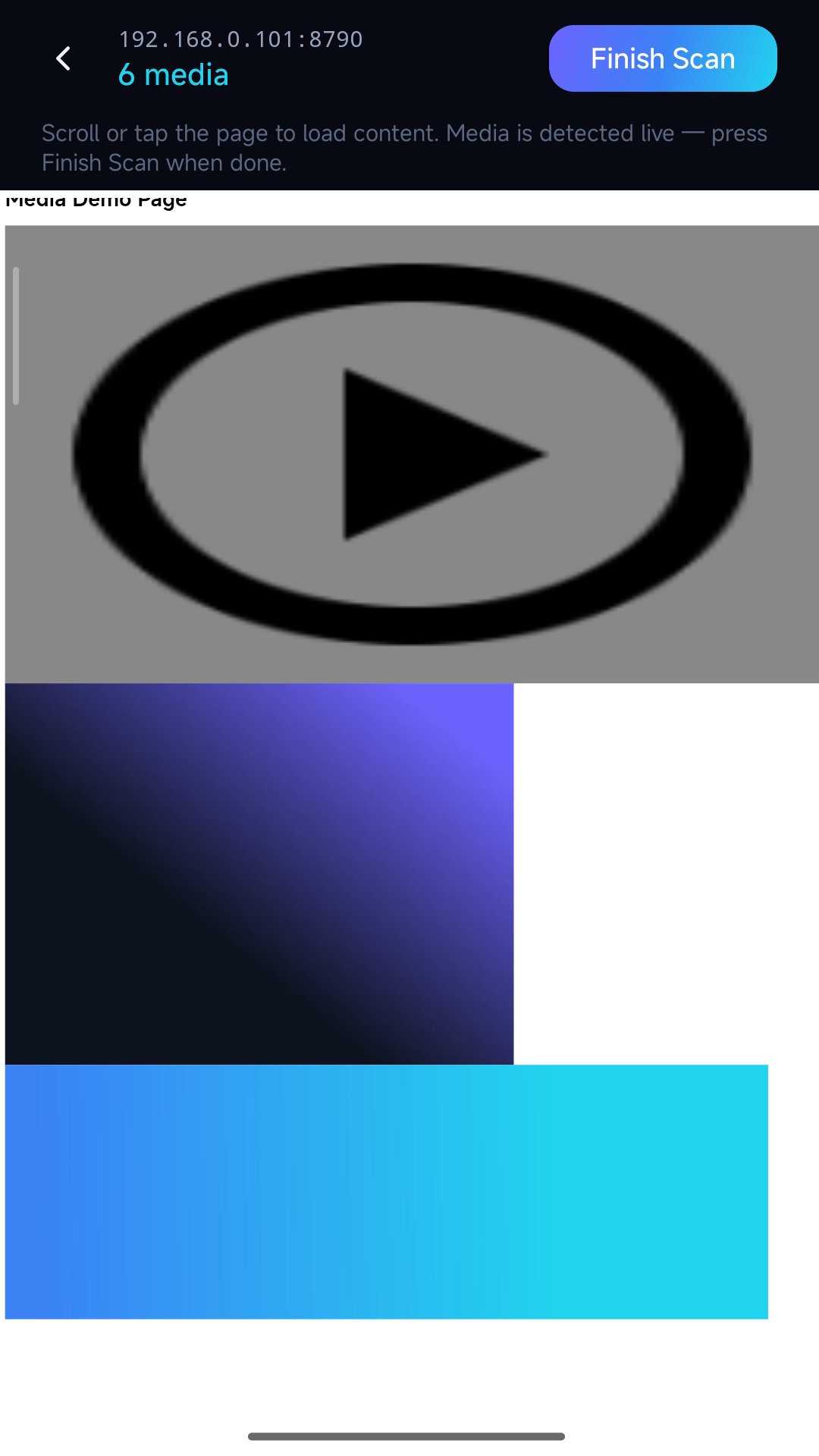
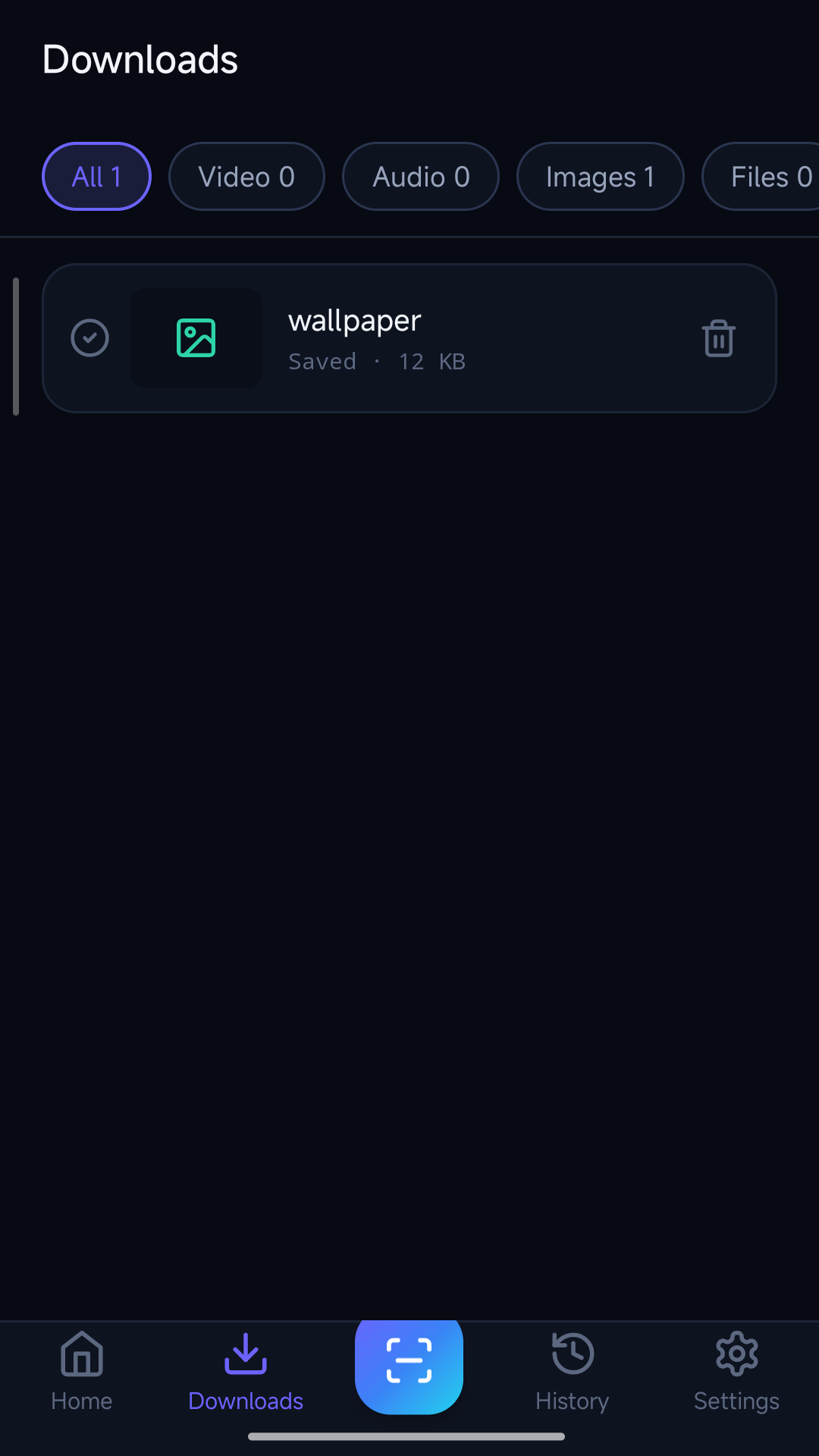
Today WebMedia Scanner went live on Google Play (Android 8.0+, free). It opens a web page, watches every network request the page makes, and surfaces the media behind it — videos (including HLS/m3u8 assembled into one playable MP4), audio, images, files — with thumbnails, sizes and formats before you tap save.
Before the "how I built it" tour, the two decisions that shaped everything else.
Decision 1: The Sniffing Had to Happen on Your Phone
The existing market splits into two camps, and both are structurally broken for what modern pages actually are:
Online "paste a URL" downloaders send your link to their server, which fetches the page from there. But the media on a modern page is often behind your session — a login cookie, a signed CDN URL that expires in minutes, a lazy-loaded gallery that only fetches when scrolled. From the downloader's server, those assets simply don't exist. Which explains both the "no videos found" errors and the quiet fact that these services route your browsing through someone else's machine.
Browser extensions sniff correctly (in your session!) but only exist for desktop Chrome/Firefox — and half the pages people want are mobile-rendered anyway.
A real browser on your phone sees exactly what your phone's browser sees. So the app carries a WebView, loads the page like a normal browser, and sweeps the network layer underneath with three engines: request interception (catches anything JavaScript fetches), DOM analysis (catches <video>/<audio>/<img> sources), and pattern matching over scripts and page text (catches URLs the first two paths miss). Results cache per domain, so a recent scan reopens instantly.
The privacy story wrote itself from this architecture: there is no backend. Scans, history, results — all in the app's private storage. Uninstalling deletes everything because there was never anything elsewhere to delete. The Play data-safety form is boring, which is the point.
Decision 2: DRM Is a Feature Boundary, Not a TODO List
Every competitor's reviews beg for "download from streaming service X." WebMedia Scanner detects Widevine and SAMPLE-AES streams, marks them clearly as unsupported, and stops.
This isn't timidity — it's the difference between a utility and a liability. AES-128 with a clear key URI in the playlist is HLS's transport encryption; the key ships in the open, the content owner never intended a barrier, and reassembling those segments into an MP4 is bookkeeping, not circumvention. Widevine is the opposite: an access system doing exactly what it was licensed to do. A tool that "defeats" it isn't a gray-area app — it's a target, which is why those apps keep vanishing from stores.
I'd rather own the honest niche: your own uploads with no export button, openly licensed archives, course and documentation media, pages whose only download option is the network tab.
What the Rest of the V0 Took
The engineering that didn't fit in the pitch:
- HLS done completely. Master playlist parsing, variant selection, segment fetch with retries, AES-128 decryption,
.tsconcatenation and MP4 remux — all on-device. A 600-segment stream becoming one file that just plays is the moment the app makes sense to people. - Resume everywhere. HTTP Range with persisted state, so a dropped connection continues instead of restarting. Hotlink-protected media carries the page's
Refererand cookies along. - Pure Java + Android Views, same as BrowserDrop: no Compose, no NDK for the core path, WebView +
shouldInterceptRequestdoing the heavy lifting. It keeps the APK lean and the codebase maintainable by one person. - Pricing with a pulse: free with ads; one-time Pro removes ads forever and adds Turbo parallel downloads, auto-download rules, all-HLS-qualities batch. No subscription, because a downloader you use twice a month doesn't deserve rent.
The idea traced straight back to my demand-mining system — a recurring pain in the same cluster as BrowserDrop (files moving between my devices and me) that kept showing up in searches. Sniffing the file is the step before moving it, so the two apps now hand off to each other.
Get It
Google Play → · Product site & docs →
One line I'll repeat everywhere this app goes: only download what you have the right to save. The tool sees what the browser fetched; what you do with it is yours to answer for.
Related Posts
Want to chat about indie dev or collaborate? Let's talk →
Get in Touch